Developer Stats are Statistics with how your game is doing. It is located under Edit on your game. Developer Stats show your analytics of your personal place. You can check out what Players joined your game from different Platforms/Devices or Ages. You can also check out how much Premium Players joined your game, which varies your Premium Payout.
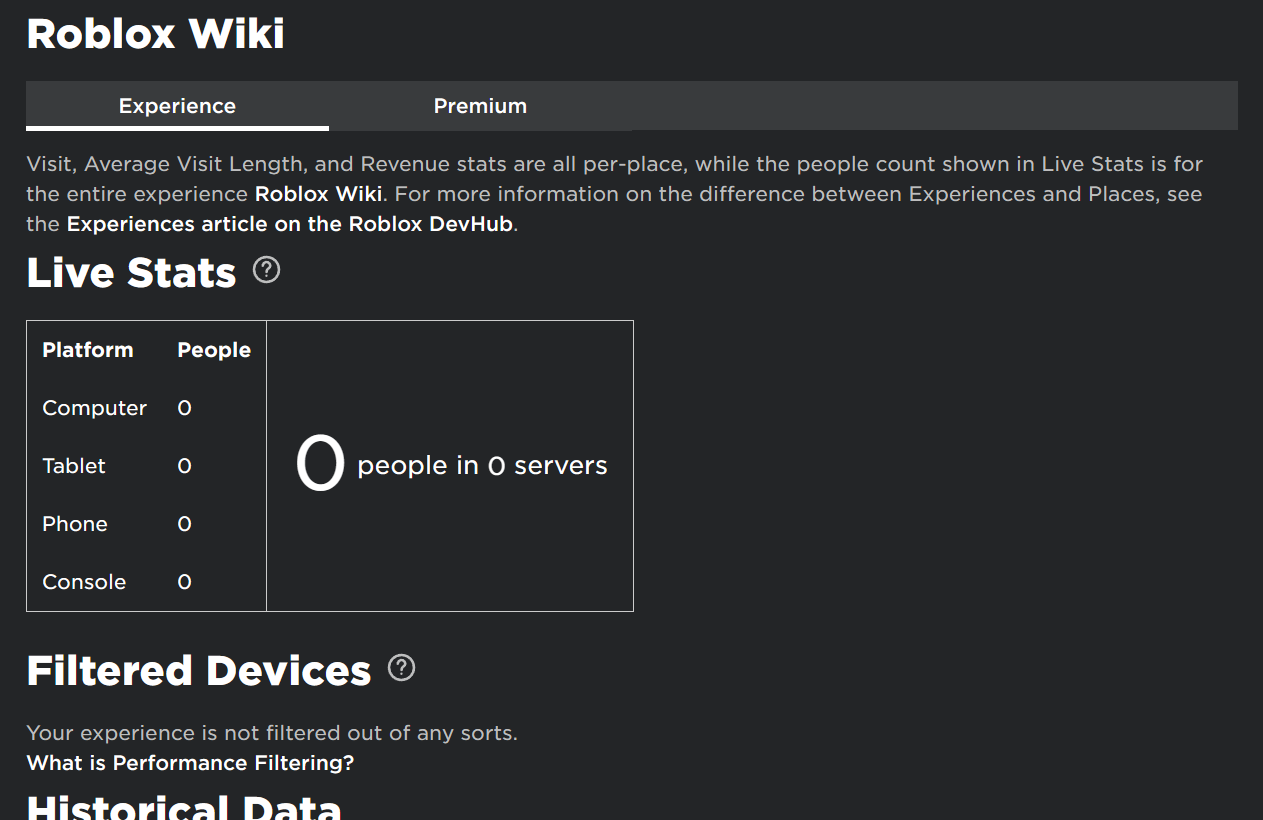

An example of what the Interface Used to look like.
In Developer Stats you can check out how much earning you have from Developer Products. You can also view how much users join your game average, And check your visits overall. With all your visits you got you can see how much users join each hour, day, or month.
You can Download Monthly Revenue Data (MRD) to see How much you earn. Previously, You could have seen who Purchased your Developer Product (Located at the bottom of the page.)
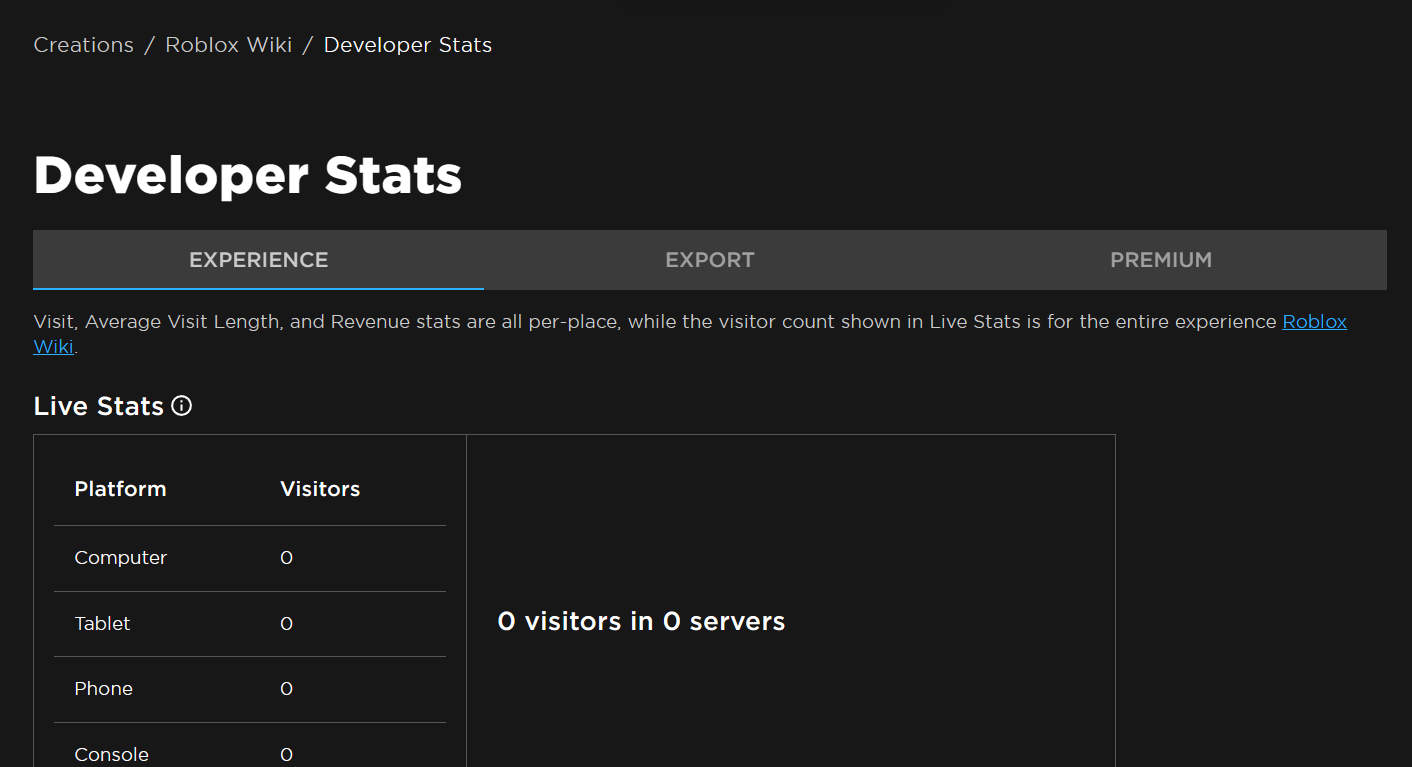

An example of what the Interface looks like.
| Programming |
| ||||||
|---|---|---|---|---|---|---|---|
| Design | |||||||
| Assets | |||||||
| Tools | |||||||
| Monetization | |||||||
| Analytics | Developer Stats · Monthly active users | ||||||
| Advertising | |||||||
| Resources | |||||||